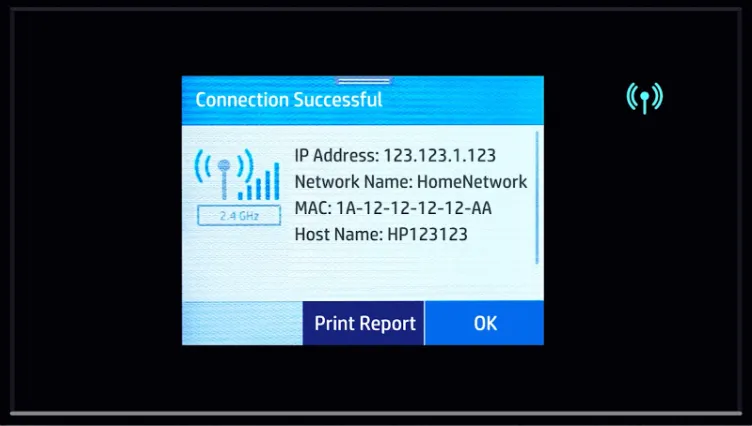
Step-by-Step Instructions
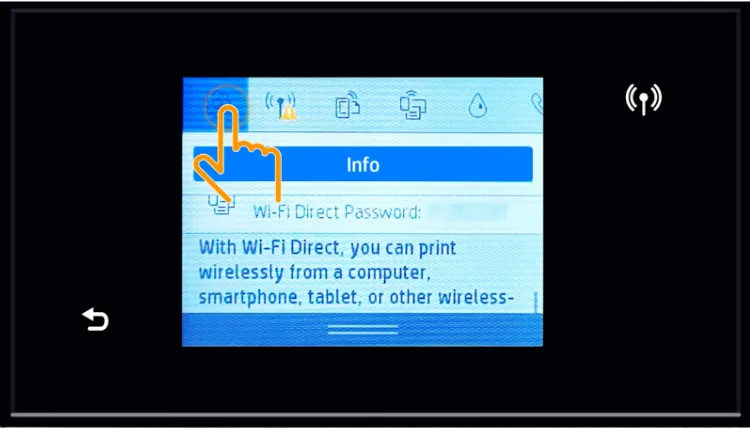
1. On the printer touchscreen, open Setup.
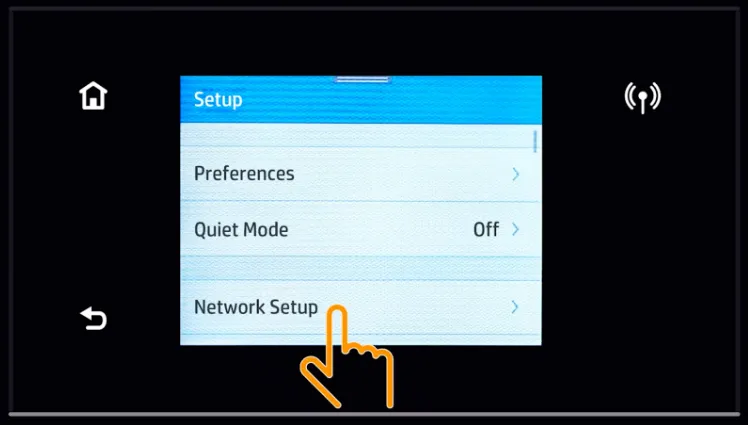
2. Then choose Network Setup, and select Wireless Settings
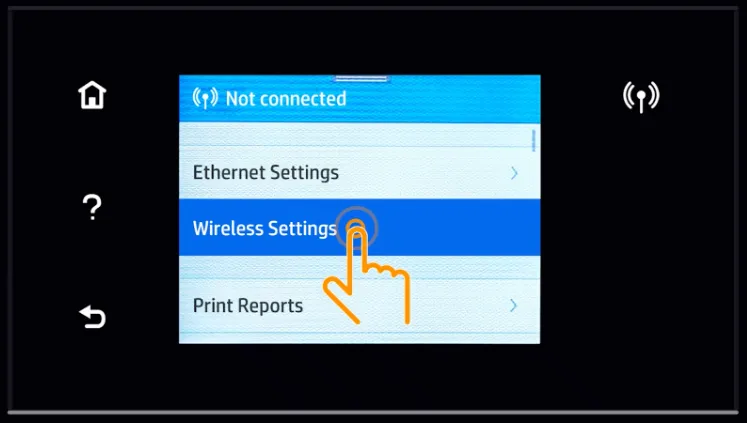
3. Tap Wireless Setup Wizard.
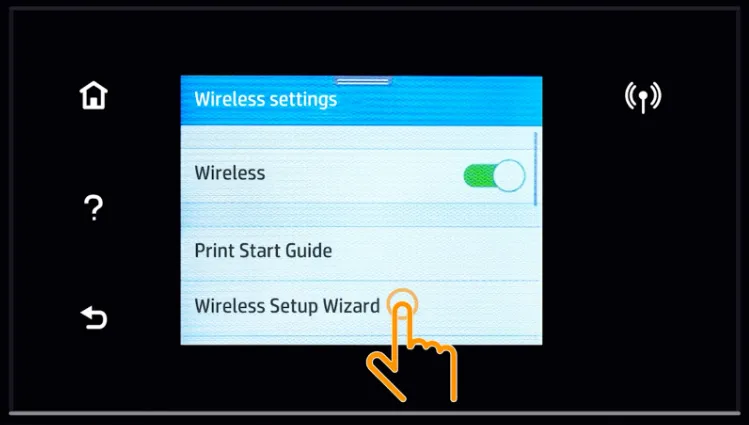
4. Wait while the printer searches for available networks.
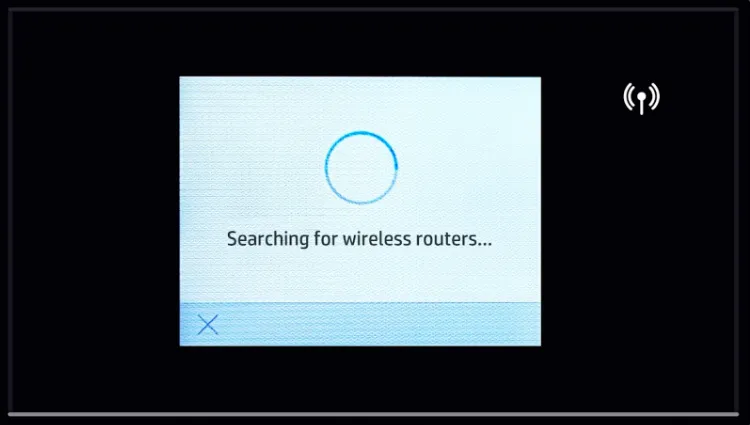
5. Select your Wi-Fi network name.
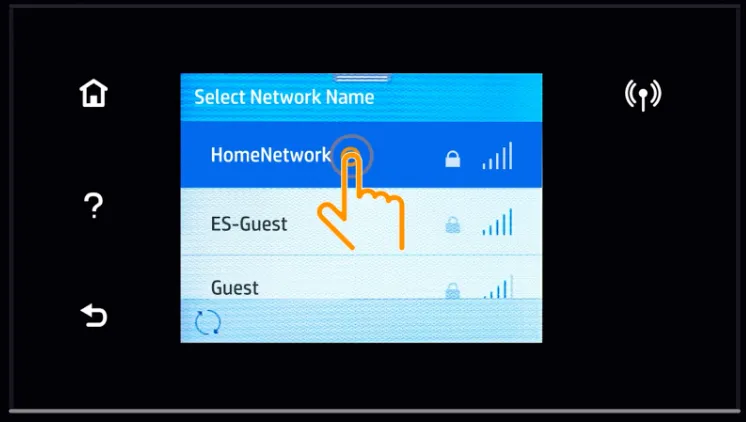
6. Enter the Wi-Fi password.
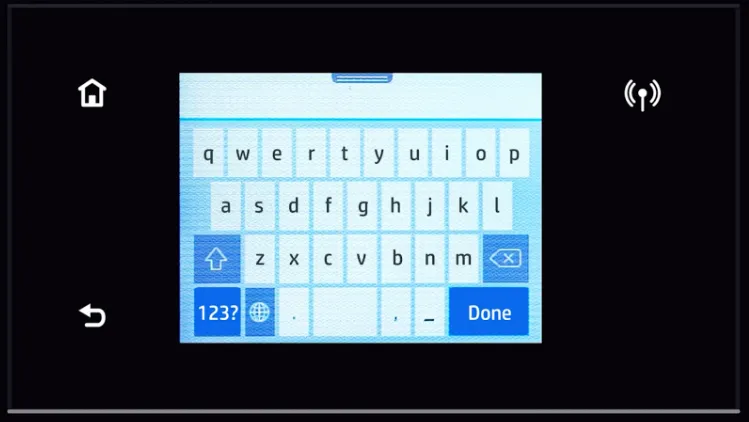
7. Wait for the printer to connect.
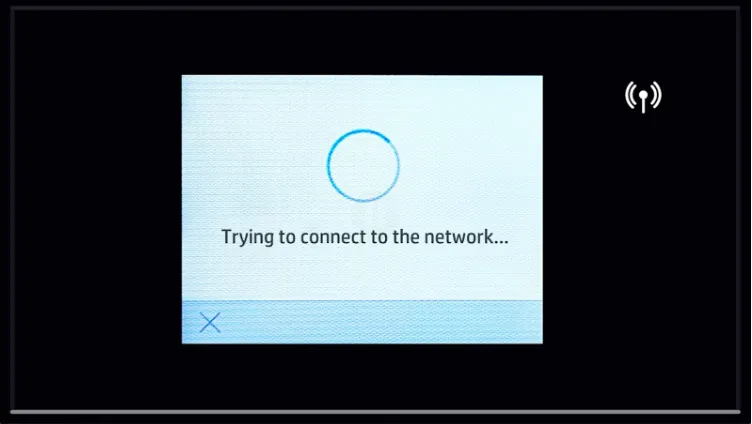
8. Follow the on-screen prompts to finish the connection (In this case, select OK to complete the connection process).