Connect with Wi-Fi Direct
Wi-Fi Direct connects your device to the printer without a router—perfect for when you don't have internet access.
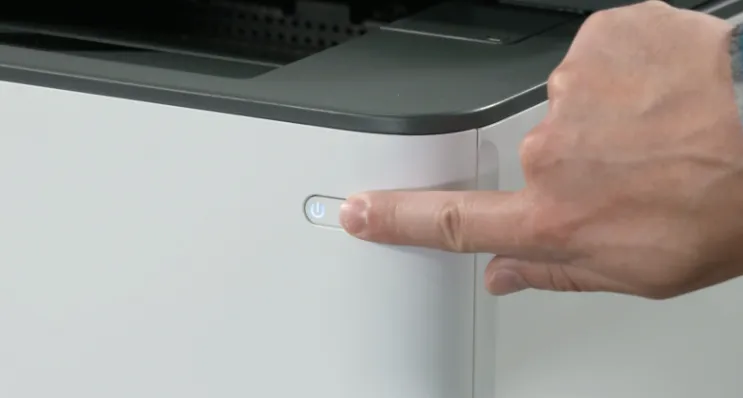
1. Turn on the printer.
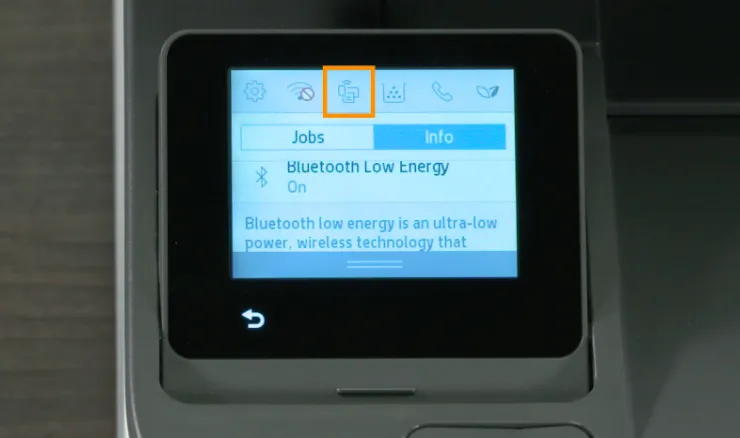
2. On the printer touchscreen, tap the Wi-Fi Direct icon.
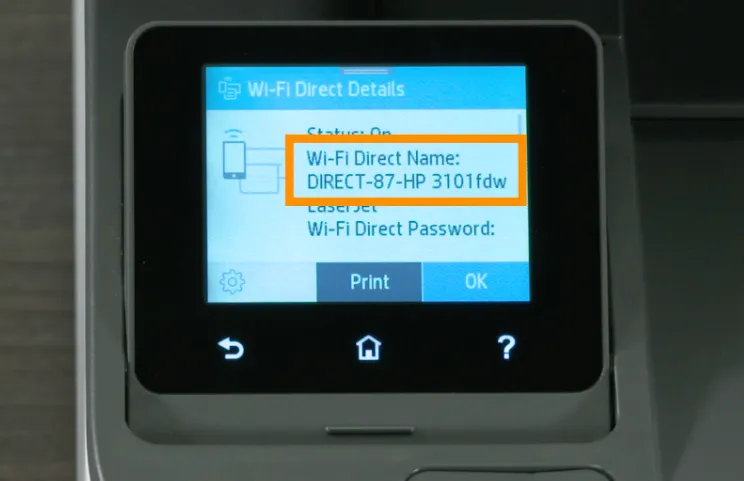
3. Check the Wi-Fi Direct name and password shown on the screen.
4. On your phone, tablet, or computer, open the Wi-Fi settings.
5. Select the printer's Wi-Fi Direct name.
6. Enter the password if prompted.
7. Wait for your device to connect.