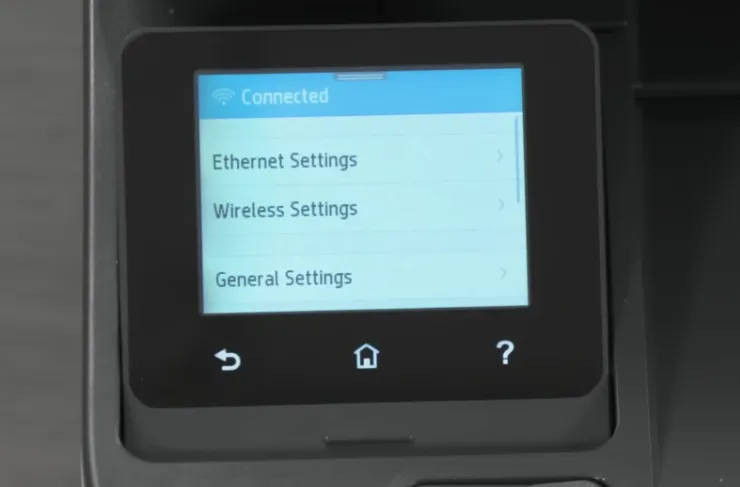
Quick Connect (WPS)
Connect your printer to Wi-Fi instantly using the WPS button on your router.
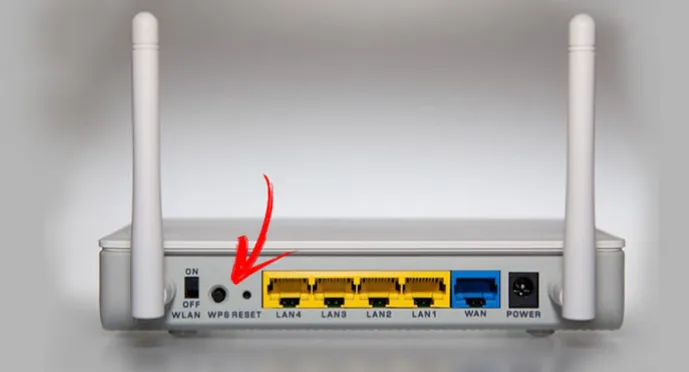
Make sure your Wi-Fi router supports WPS. The WPS button may be on the front, side, or back of your router. On some mesh systems, it may be called Sync instead.
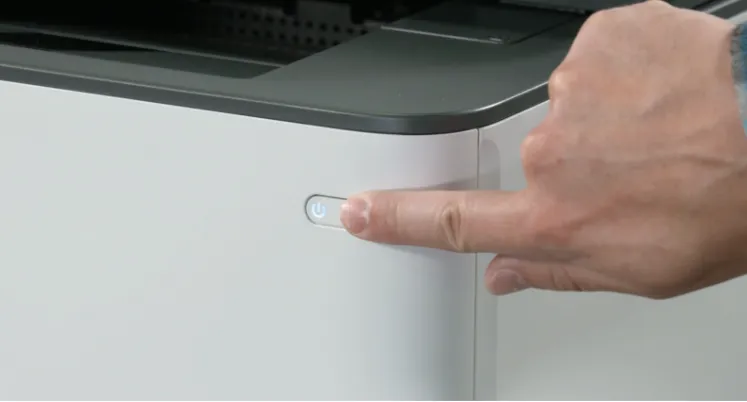
1. Turn on the printer.
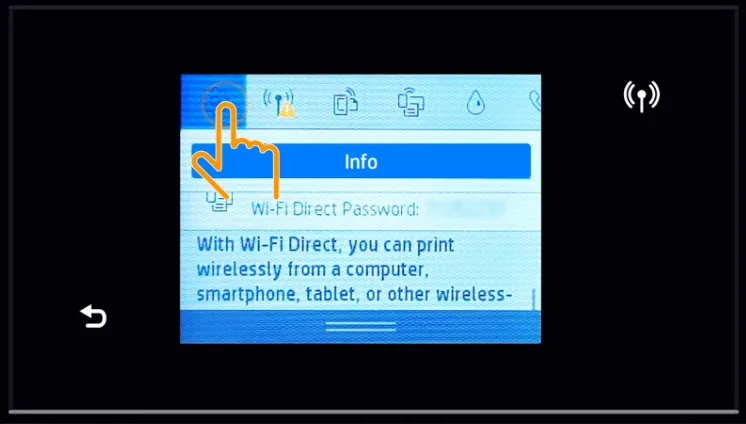
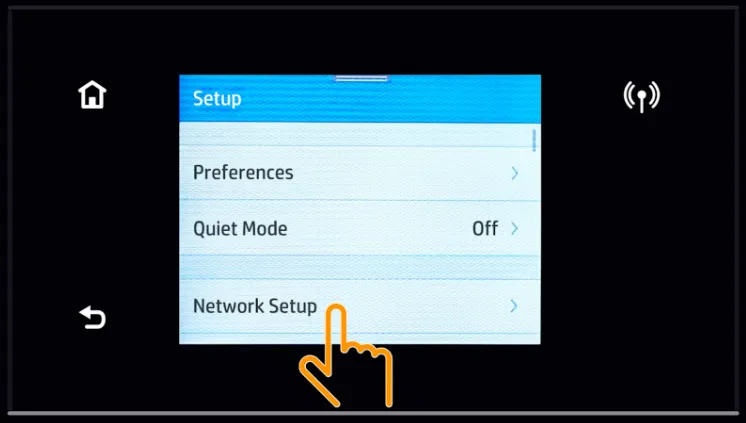
2. On the printer touchscreen, open Setup.
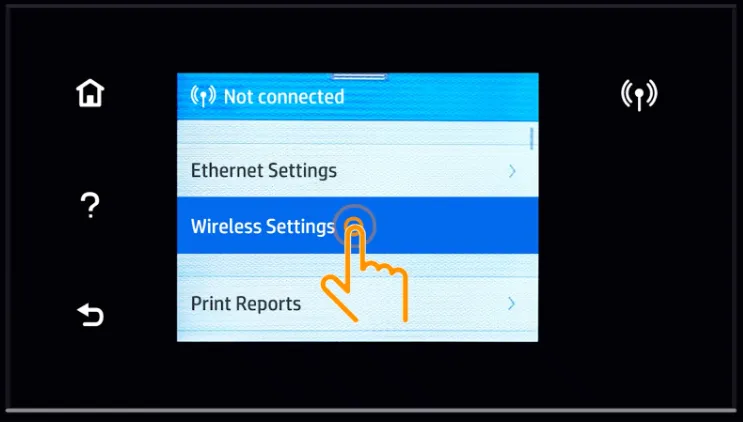
3. Then choose Network Setup, and select Wireless Settings
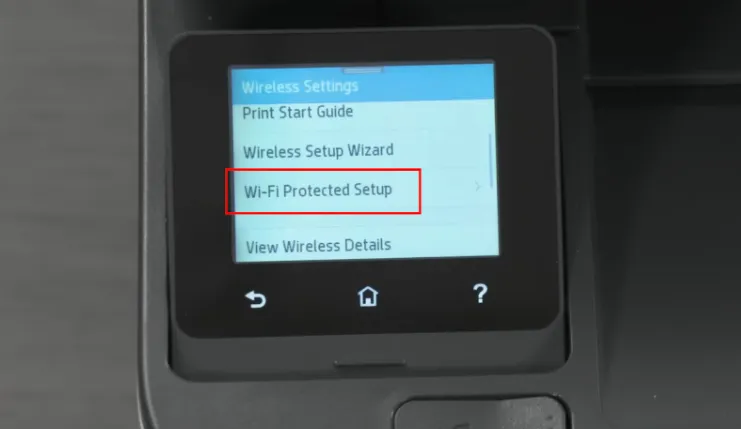
4. Tap Wi-Fi Protected Setup.
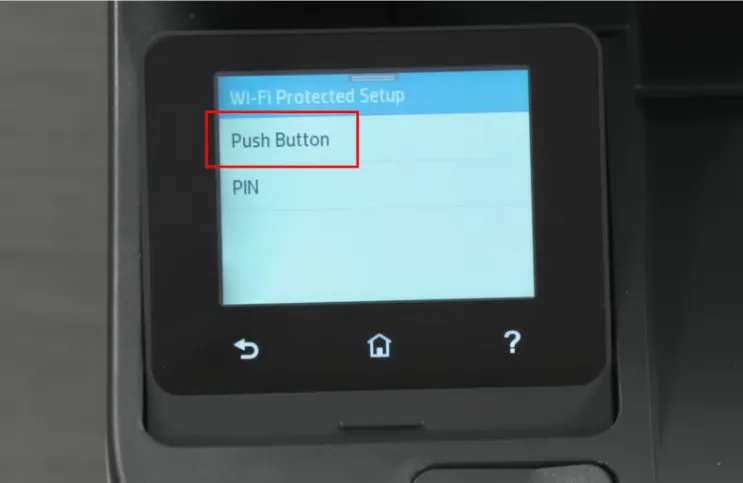
5. Tap Push Button, and then select Start.
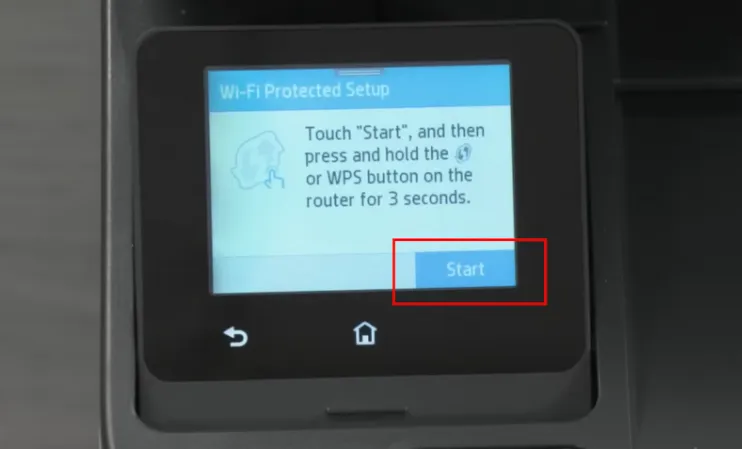
6. You will have 2 minutes to push the WPS button on your router for 3 seconds to connect your printer to the Wi-Fi network
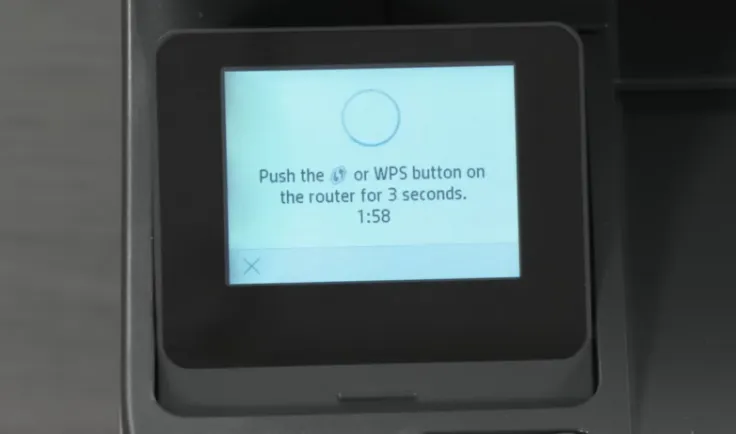
7. Go to your router.
8. Press and hold the WPS button for 3 seconds.
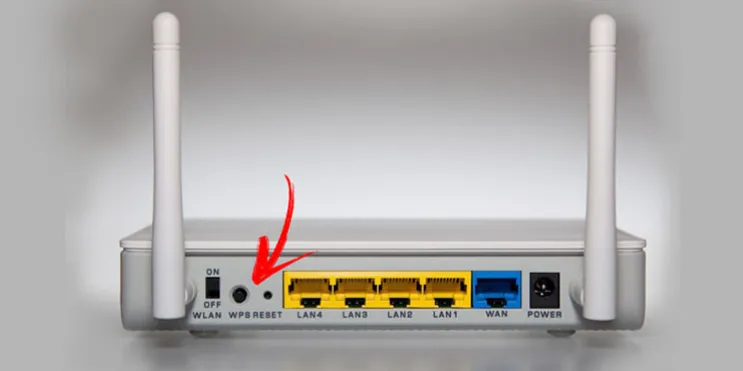
9. Return to the printer.
10. Wait while the printer connects to the network (It can take a few minutes).