Connect with WPS
Make sure that: Your HP printer supports WPS & Your router has a WPS button
1. Turn on the printer.
2. Press and hold the Wireless button for 3 seconds.
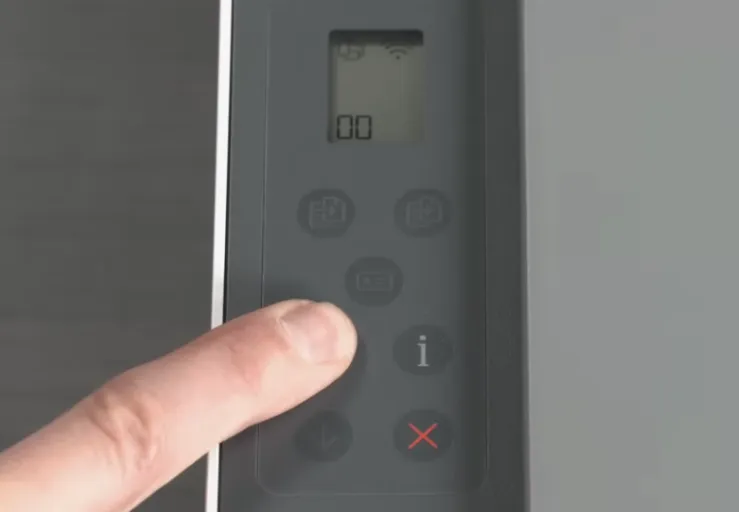
3. Wait for the wireless light to start blinking, which means the printer is ready for WPS setup.
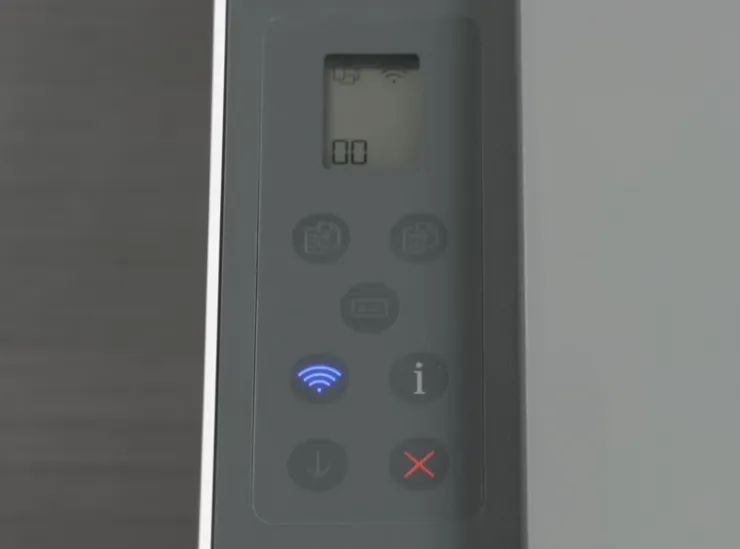
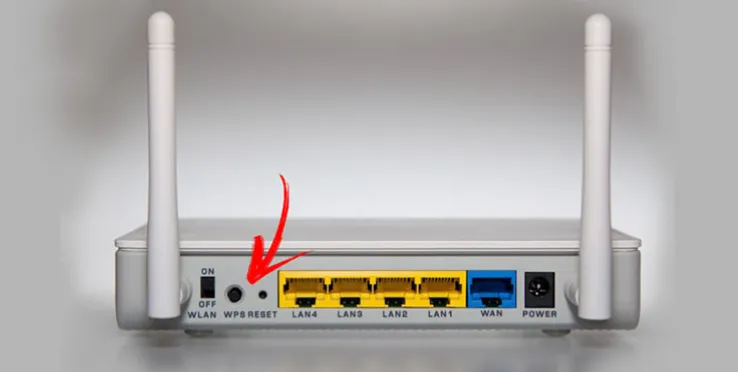
4. Go to your router.
5. Press and hold the WPS button for 3 to 5 seconds.
6. Return to the printer if needed.
7. Wait for the printer's Wi-Fi button light to stop blinking.
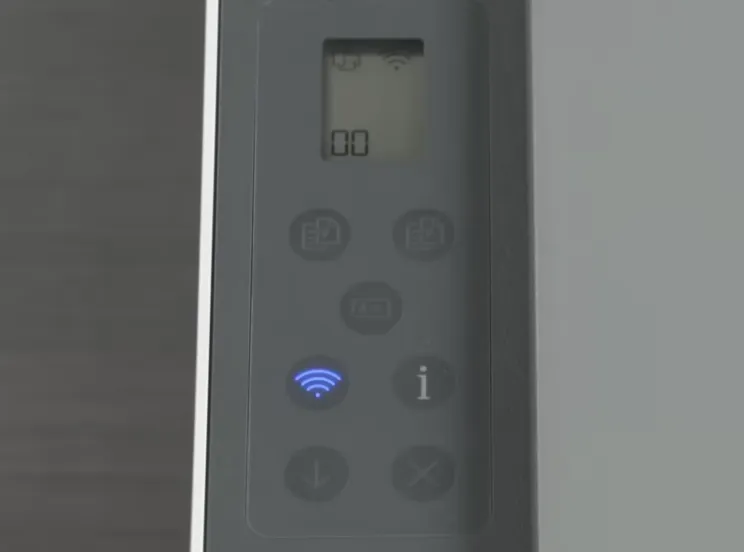
8. Wait a few minutes while the printer connects to the router.